Cloning and Working Locally
Why clone a repository?
GitHub is great for small changes
Cloning allows you to work locally for complex changes involving multiple files
Work on repos from any local machine
Use the command line or your favorite IDE for Git actions
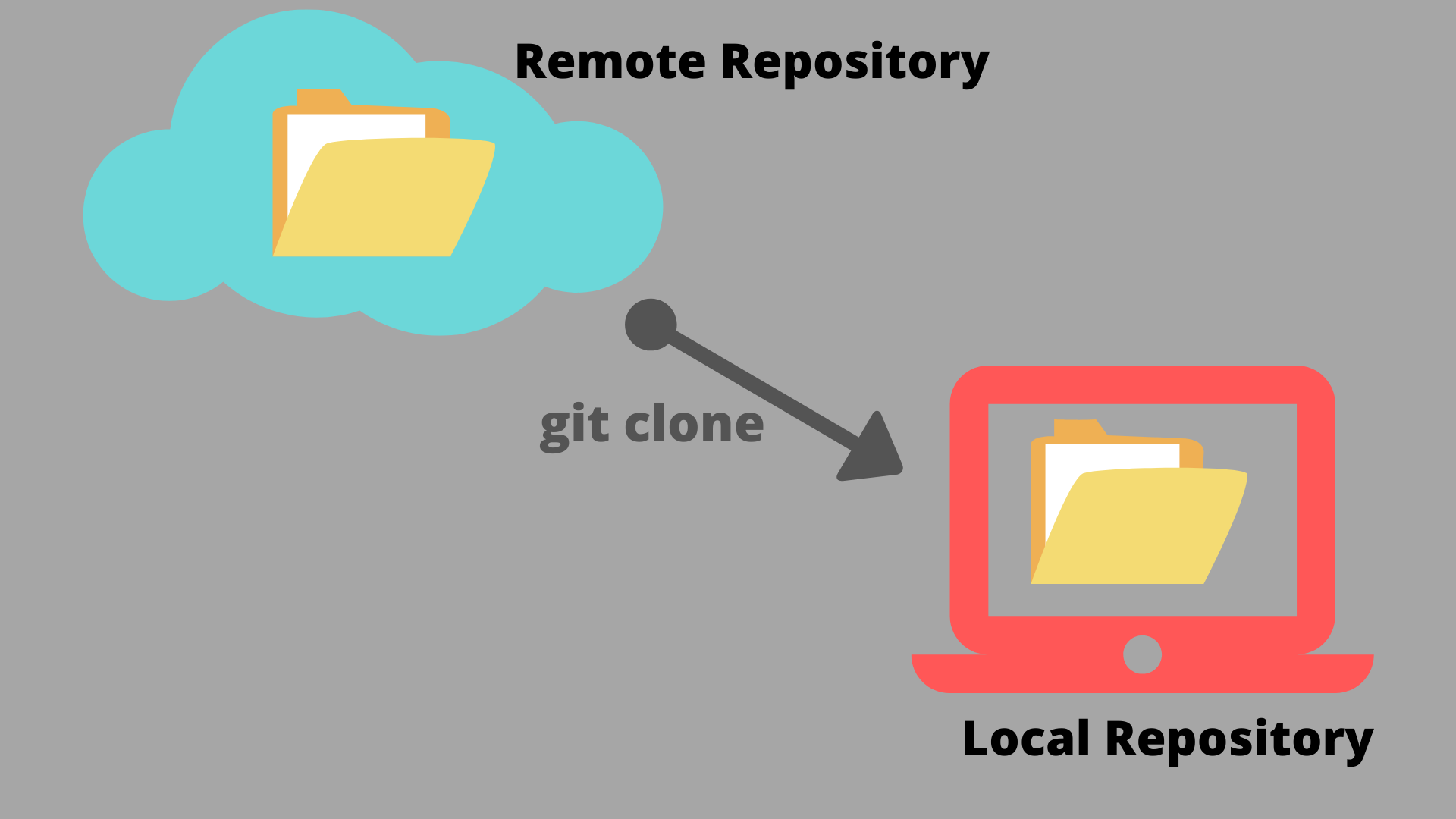
Image credit: https://jaisriram.hashnode.dev/how-to-clone-a-github-repository-to-local-machine
How to Clone
On GitHub, navigate to the main page of the repository.
Above the list of files, click Code.
![]()
Screenshot of the list of files on the landing page of a repository. The “Code” button is highlighted with a dark orange outline. Copy the URL
In command line: Type
git clone, paste the URL you copied, and hit entergit clone https://github.com/YOUR-USERNAME/YOUR-REPOSITORYIn IDE or GH Desktop: find the clone function and paste the URL